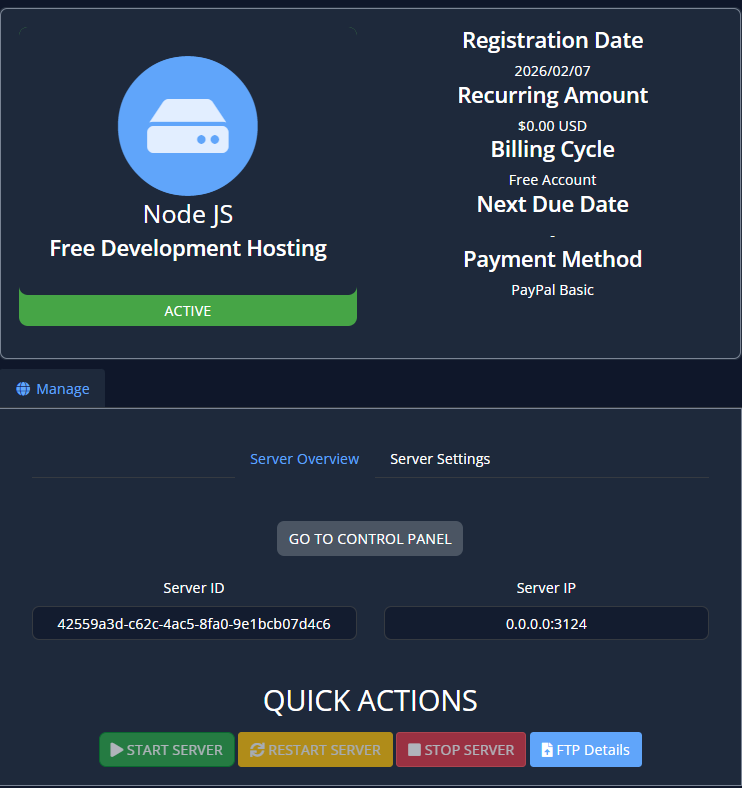
That's a great question.
There's been a lot of confusion around this lately and I hope that this post can help clear it up.
In your products and services page, if you've ordered a service with us, you should see an available service to interact with:
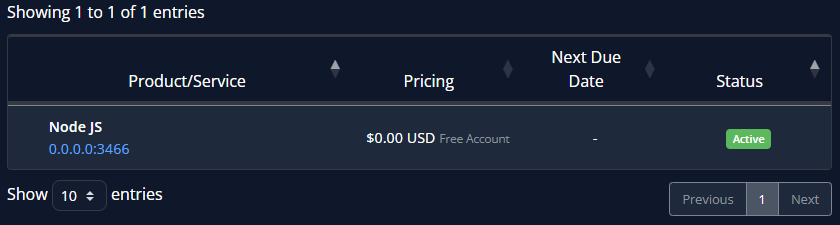
- If it shows as pending, please wait for our billing staff to approve the order, it shouldn't take long.
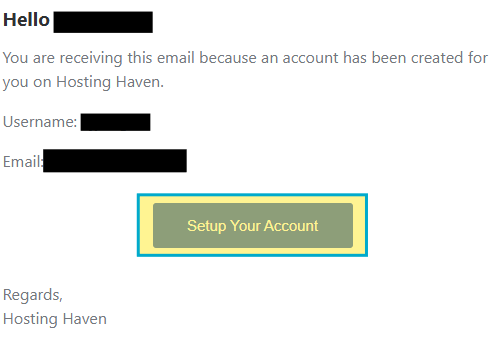
- If your service is activated and you haven't logged into the dashboard yet, check your email and look for the highlighted email:

- Open the email, then click on "Setup Your Account".
- It will send you to a page where you will set your account password, we recommend using Proton Pass or another password manager to generate and save your password securely.
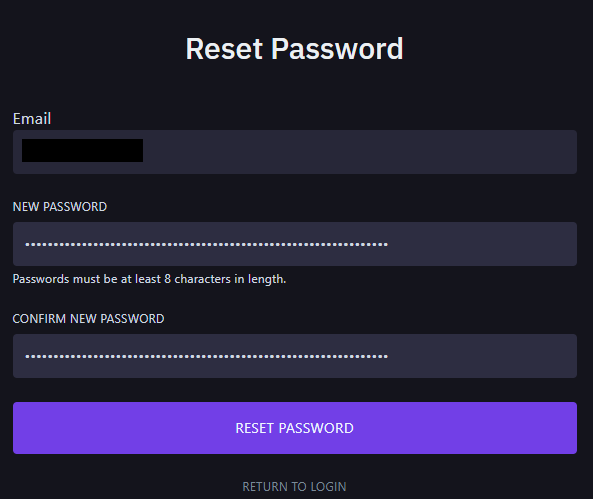
- Once you have your password put in there, press "Reset Password" and it'll send you to your control panel!
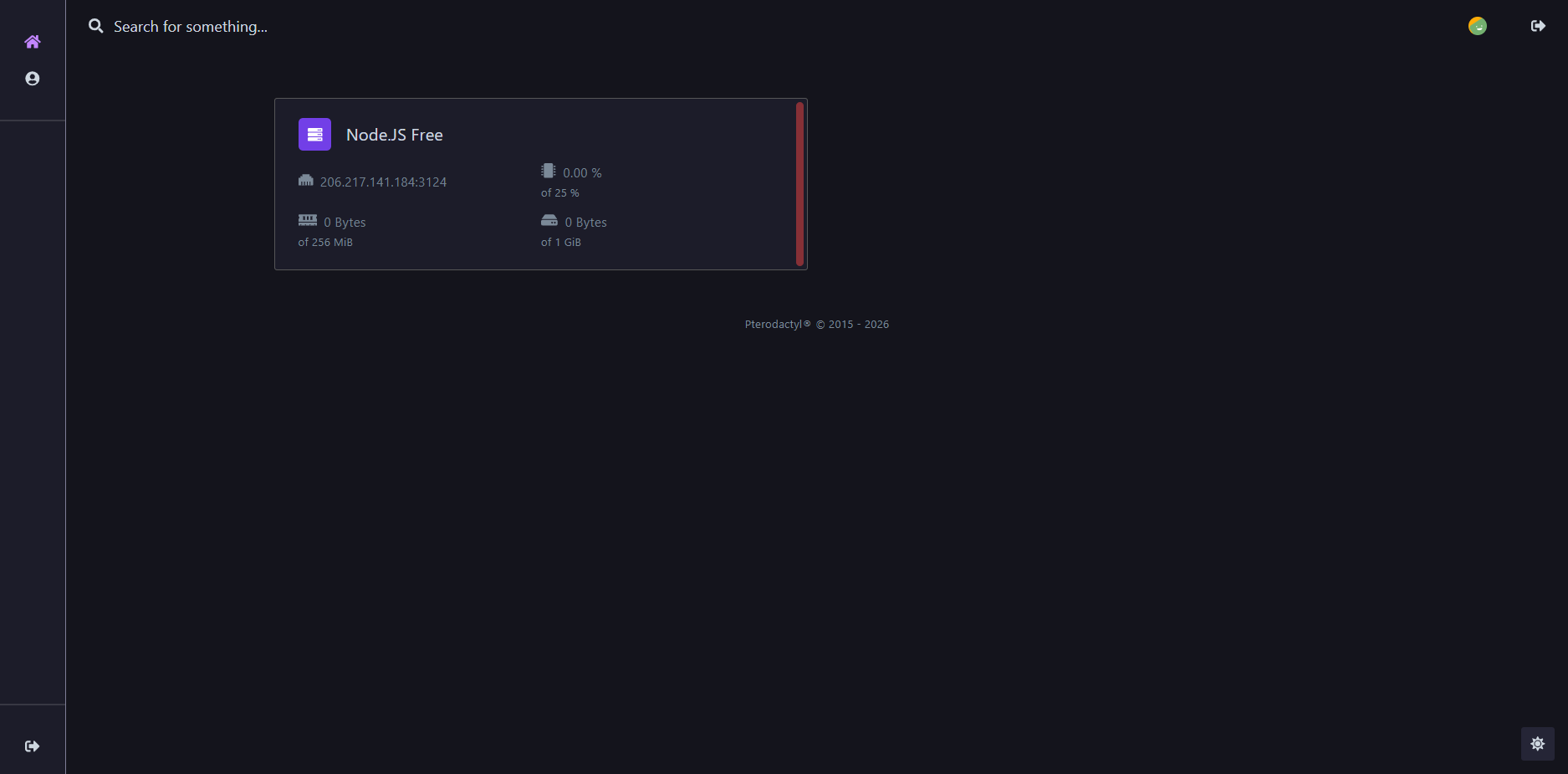
- From there on out, as long as you're logged in, you can access your server directly from the dashboard website (recommended), or on your service's page.